You’re planning an office move or renovation, and your electrician offers to “run the network cables too.” It sounds convenient. But network data wiring and electrical wiring are two different jobs, with different cables, standards, and testing, and mixing them up can leave you with slow connections, dropped calls, and costly fixes later.
Here’s what every business owner should know about data cabling, how it differs from standard electrical wiring, and when it’s time to call in a cabling specialist.
What is Data Cabling?
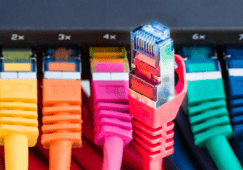
Data cabling is the network of low-voltage copper and fiber cables that carries information through your building. It connects your computers, VoIP phones, security cameras and Wi-Fi access points to the switches and equipment in your network closet, and from there to the internet.
Unlike electrical wiring, which delivers power, data cabling delivers signals: your phone calls, emails, video meetings and camera footage. That’s why it’s built and tested to different standards, and why the quality of the install directly affects how fast and reliable your network feels day to day.
Network Data Wiring vs. Electrical Wiring
Both run through your walls and ceilings, but that’s about where the similarities end. Let’s break down the differences:
| Data Cabling | Electrical Wiring | |
| What It Carries | Data and voice signals | Power |
| Common Table Types | Cat6, Cat6a, and fiber | Copper electrical wire |
| Voltage | Low voltage | Line voltage (120V/240V) |
| Who Installs It | Low-voltage or cabling technicians | Licensed electricians |
| How It’s Tested | Certified for speed and signal quality | Checked for safe, correct power delivery |
| What Goes Wrong If Done Poorly | Slow speeds, dropped calls, network changes | Safety and code issues |
The biggest difference is testing. A data cable can look perfectly connected and still slow your network speed. Professional cabling installers use certification testers to confirm each cable run meets its rated speed before they call the job done.
Why Data and Power Lines Shouldn’t Share the Same Path
Electrical wiring creates a small electromagnetic field. When data cables run tightly alongside power lines, that interference can disrupt the signal and cause errors, slowdowns, and choppy calls. Cabling standards require keeping data and power apart and crossing them at right angles when they must cross, which is why the routing plan matters as much as the cable itself.

Common Types of Business Data Cables
When people talk about data wire, they usually mean one of three types:
- Cat6: the everyday standard for most business installations. It handles today’s office speeds reliably and works well for computers, VoIP phones and printers.
- Cat6a: a step up, built for 10 Gbps speeds over longer runs and better at blocking interference. It’s a smart choice for modern Wi-Fi access points, security cameras and businesses planning to grow.
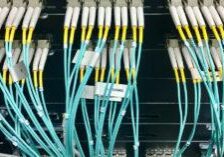
- Fiber optic: uses light instead of electrical signals, so it carries data over much longer distances and is immune to electrical interference. It’s typically used to connect floors, buildings or network closets, rather than individual desks.
Older Cat5 and Cat5e cabling still shows up in many buildings. If that’s what’s in your walls, it may be time to upgrade, especially if you’re switching to VoIP or adding security cameras. For a side-by-side comparison of speeds and distances, see our guide to Cat5e vs Cat6 network cables.
Signs It’s Time to Upgrade Your Business Cabling
Cabling problems don’t always look like cabling problems. They often show up as slow computers, choppy calls or Wi-FI that “just isn’t’ great.” Here are the most common signs we see:
- Your connection slows down or drops for no clear reason. If your internet plan is fast but your network isn’t, the cabling between your equipment may be the bottleneck.
- Calls cut out or sound choppy. VoIP phones are sensitive to unstable connections, and older or damaged cable is a common culprit.
- You’re moving, expanding, or renovating. It’s the easiest and most affordable time to run new cable, before the walls and ceilings are closed up.
- You’re adding new technology. Wi-Fi access points, security cameras and phones powered over the network cable all need cabling that can keep up.
- Your network closet is a mess. If no one knows which cable goes where, every problem takes longer to troubleshoot and every change costs more.
- Your cabling is 10 to 15 years old or more. Older cable may not support the speeds your equipment and internet service can now deliver.
If two or more of these sound familiar, a cabling assessment is usually the quickest way to find out what’s actually going on.
What A Professional Data Cabling Installation Includes
A professional installation is more than pulling cable through the ceiling. Here’s what to expect from a qualified cabling team:
- Site survey: walking the space to plan cable routes, find the best spot for your network closet and spot problems early, like nearby power lines or hard-to-reach areas.
- Planning and design: choosing the right cable for each job (Cat6, Cat6a or fiber) based on your equipment today and where your business is headed.
- Clean, standards-based installation: running cable along proper pathways, keeping it away from power lines and supporting it so it isn’t pinched or stretched.
- Termination: connecting each cable to wall jacks, patch panels and racks so everything is secure and organized.
- Labeling: marking every cable at both ends so anyone can quickly find what goes where.
- Testing and certification: checking every run with a certification tester to confirm it meets its rated speed before the job is called done.
- Documentation: giving you a record of what was installed and where, which makes future changes and troubleshooting much faster.
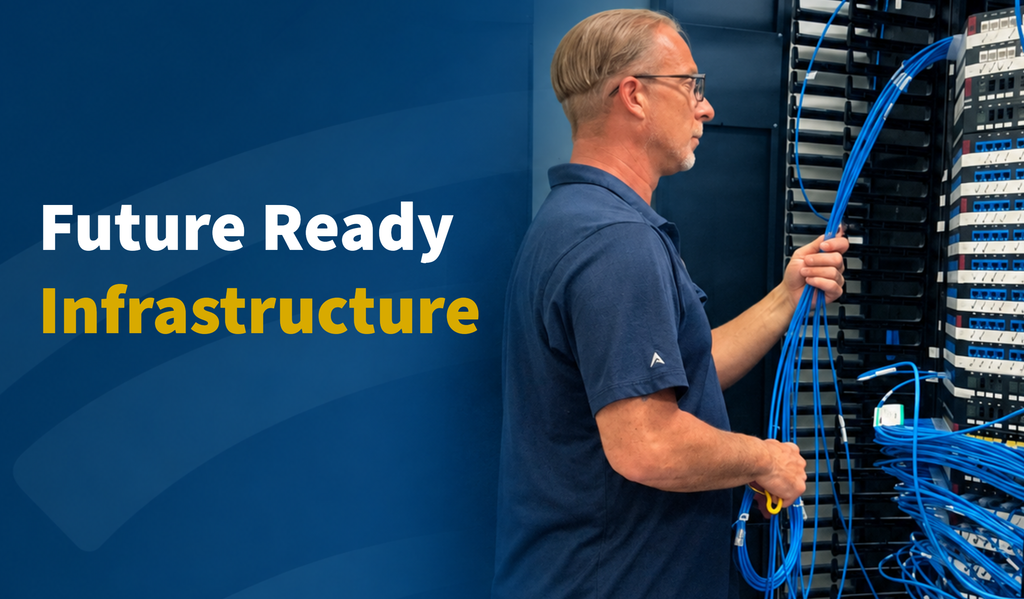
Here’s a look at a completed installation by our team:
The Bottom Line
Your data cabling is the foundation for everything your business runs on: phones, computers, Wi-Fi, cameras and every system you’ll add in the years ahead. Electrical wiring keeps the lights on, but network data wiring keeps your business connected. Planning it with a cabling specialist, especially during a move or renovation, means fewer problems, faster troubleshooting and a network that’s ready to grow with you.
Data Cabling FAQs
Can an electrician install data cabling?
Some electricians do run data cable, but it’s a specialty. Before you hire anyone, ask whether they test and certify every cable run, label both ends and provide documentation. Those steps are what separate a reliable network from one that causes problems later.
Can data cables and electrical wires run together?
They shouldn’t run tightly side by side. Electrical wiring can interfere with data signals, so cabling standards call for keeping them apart and crossing them at right angles when they have to meet.
How much does data cabling cost?
It depends on the number of cable runs, the cable type, your building’s layout and how easy it is to reach ceilings and walls. A site survey is the best way to get an accurate price. Most of the cost is labor, so running the right cable the first time saves money over the long run.
Will we have to shut down the office during installation?
Usually not. Many installations can be planned in phases or scheduled outside business hours to keep your team working. Talk to your installer about timing before work begins.
Ready to Plan Your Network the Right Way?
Whether you’re moving into a new space, renovating or finally fixing that tangled network closet, Rhode Island Telephone designs, installs and tests data cabling for businesses across Rhode Island, Massachusetts and Connecticut. Our local team will help you choose the right cable for today and leave room to grow.
Learn more about our structured cabling services or request a free cabling quote.